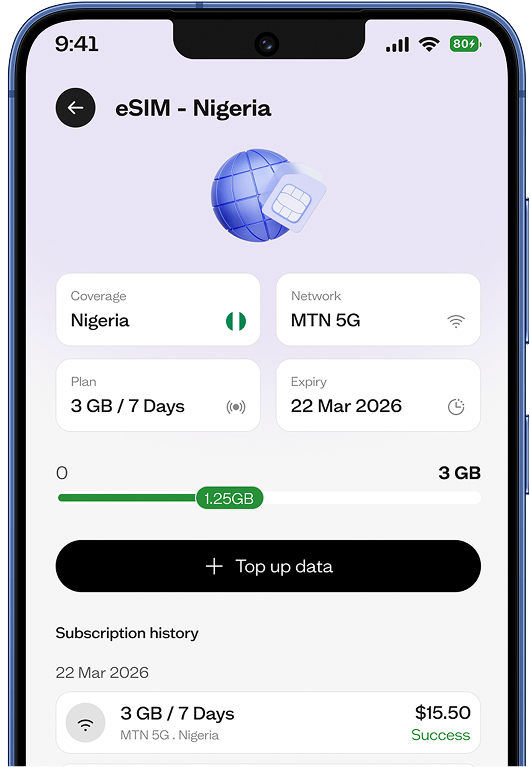
eSIM

190+ countries.
One plan wherever you're headed.

Type where you're going. We'll show you what's available before you even open the app.
Explore Pesa eSIM
Explore Pesa eSIM

Getting online shouldn't

be part of the trip.

Get your Pesa eSIM
Get your Pesa eSIM

Airport SIM kiosks take 15–30 minutes.

Roaming costs add up fast.

Hotel Wi-Fi means checking in first.

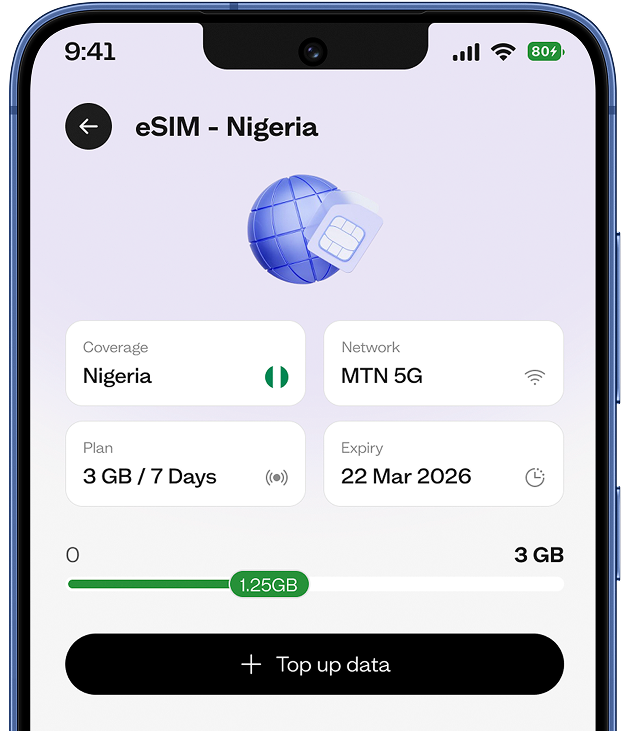
Three steps before you fly or after you land.

Get your Pesa eSIM
Get your Pesa eSIM
Buy your plan
in the Pesa app before you fly, or the moment you land.
Pay directly
Send, receive, convert and manage money across countries from one place.
Your data activates
automatically.
No QR code, no app-switching.

Buy anytime.

Activate when you land.

Your plan's validity starts counting from the moment you activate it, not from the moment you buy it. Buy your eSIM whenever it's convenient, even weeks ahead, and activate it only when you actually need data: on arrival, or right before you board if you want it ready the second you land.
Download the app
Download the app

Got questions?

We've got answers.

Find answers to common questions about accounts, compliance, fees, and transfers.

Does this replace my SIM entirely?
No. Your Pesa eSIM runs alongside your physical SIM. Keep your regular SIM active for calls and texts on your usual number, and use the Pesa eSIM for data at your destination. If your phone supports dual eSIM, you can also set it as your main line while you travel.
Do I keep my number?
Yes. The Pesa eSIM adds data only, it doesn't touch your existing number. Calls and texts still run through your normal SIM as usual.
What happens if I run out of data?
Top up directly in the app. Data is added straight to your existing eSIM, no need to buy a new plan or reactivate anything.
Can I buy for someone else's trip?
Yes. Choose their destination and travel dates, then send the activation link straight to them from the app.
My eSIM isn't connecting, what should I check?
Confirm your phone is eSIM-compatible and unlocked, then check that data roaming is switched on for the Pesa eSIM specifically (not just your main line). If it's still not connecting, try switching network selection from automatic to manual and picking a listed carrier, or restart your phone. Full steps are in the troubleshooting guide linked below.

Wherever you go,

Stay connected.

Get online. Make the call. Keep moving.
Explore Pesa Connect
Join thousands of users sending money

Scan the QR code below with your phone and you’ll get a link to get started